
One line text fields #
All columns of data type varchar and char are displayed as a one line text field.

Selectors #
| Data Forms | input[type=text].wpdadataforms-control |
|---|---|
| Back-end | input[type=text].wpda_data_type_string |
| wpdadiehard | input[type=text].wpda_data_type_string |
Multi line text areas #
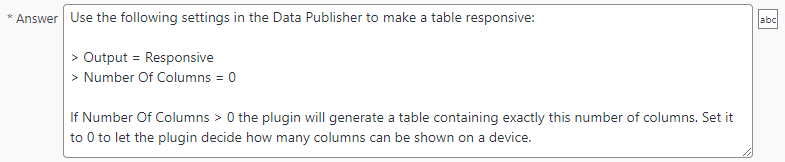
All text columns (tinytext, text, mediumtext, longtext) are displayed as a multi-line text area.
Selectors #
| Data Forms | textarea.wpdadataforms-control |
|---|---|
| Back-end | textarea.wpda_data_type_string |
| wpdadiehard | textarea.wpda_data_type_string |
Number fields #
All numeric columns are displayed as a one line numeric field. Decimal support is added automatically depending on the column data type.

Selectors #
| Data Forms | input[type=number].wpdadataforms-control |
|---|---|
| Back-end | input[type=text].wpda_data_type_number |
| input[type=text].wpda_data_type_float | |
| wpdadiehard | input[type=text].wpda_data_type_number |
| input[type=text].wpda_data_type_float |
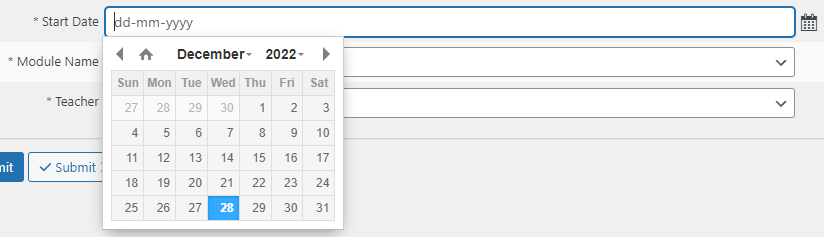
Date and time fields #
Selectors #
| Data Forms | input[type=date].wpdadataforms-control |
|---|---|
| Back-end | input[type=text].wpda_data_type_date |
| wpdadiehard | input[type=text].wpda_data_type_date |
Checkboxes #
All columns of data type tinyint(1) are automatically shown as checkboxes to provides a natural enable/disable user interface. The column label is shown directly after the checkbox and can be used to toggle the checkbox.

Selectors #
| Data Forms | input[type=date].wpdadataforms-control |
|---|---|
| Back-end | input[type=checkbox].wpda_data_type_checkbox |
| wpdadiehard | input[type=checkbox].wpda_data_type_checkbox |
Drop-down lists #
Three types of drop-down lists are supported:
- Lookups
- Enum columns
- Set columns
Lookups #
Use autocomplete lookups for large lookup tables to improve performance!

Selectors #
| Data Forms | select.wpdadataforms-control |
|---|---|
| Back-end | table.wpda_simple_table select.wpda_data_type_checkbox |
| wpdadiehard | table.wpda_simple_table select.wpda_data_type_checkbox |
Enum columns #
A drop-down list is automatically created for columns of data type enum.

Selectors #
| Data Forms | select.wpdadataforms-control |
|---|---|
| Back-end | table.wpda_simple_table select.wpda_data_type_checkbox |
| wpdadiehard | table.wpda_simple_table select.wpda_data_type_checkbox |
Set columns (supports multiple selections) #
Like enum the plugin automatically adds a dropdown list for columns of data type set. The difference is that a set column allows users to select multiple values, which an enum column does not.

Selectors #
| Data Forms | select.wpdadataforms-control |
|---|---|
| Back-end | table.wpda_simple_table select.wpda_data_type_checkbox |
| wpdadiehard | table.wpda_simple_table select.wpda_data_type_checkbox |
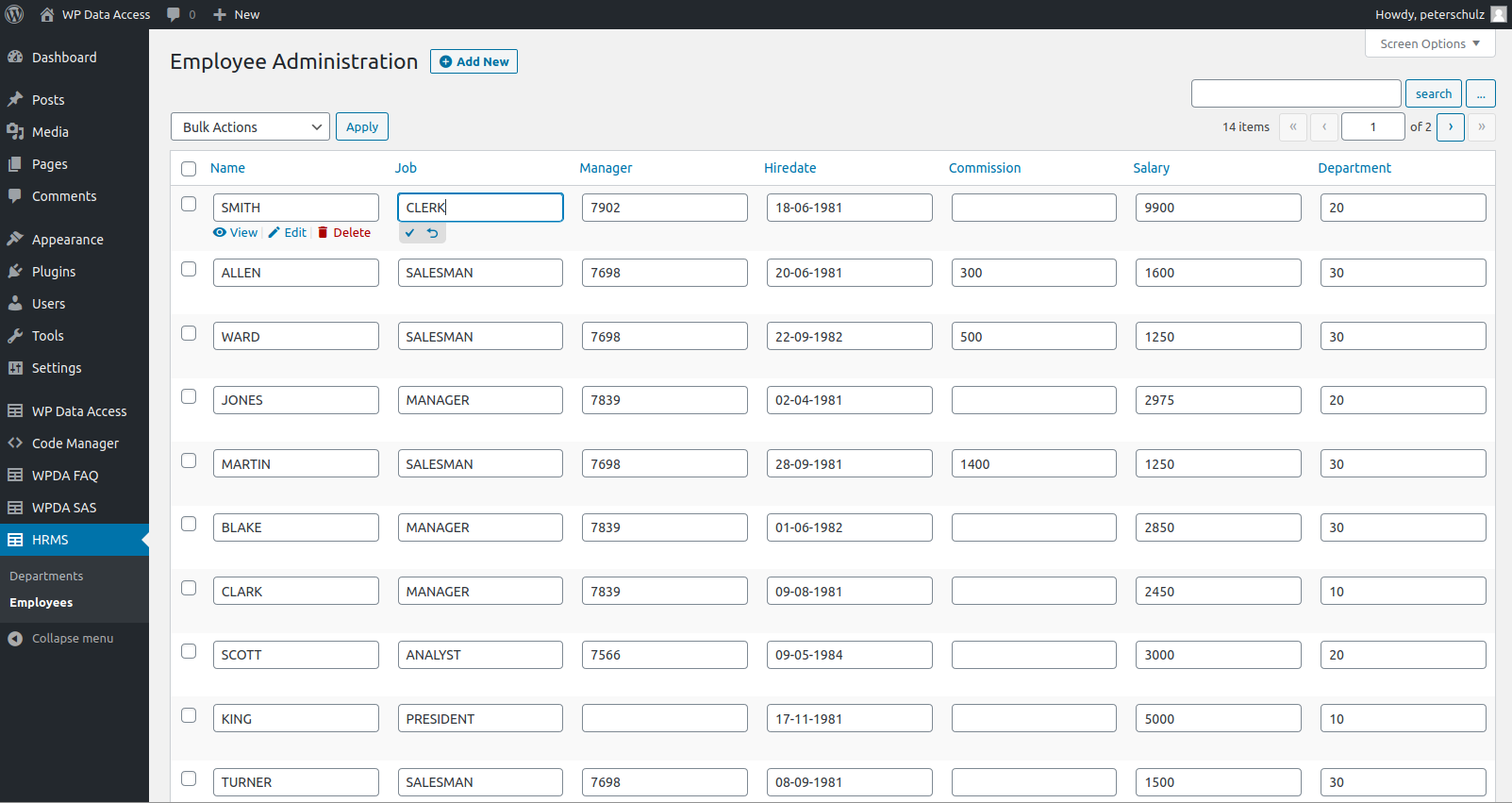
Inline editing #
WordPress media library integration #
Inline demo #
| Brand | Brand Type | Color | Photo | Attachments | Price | Licence Plate | Category | Fuel Type | Mileage | Engine Capacity | No Cylinders |
|---|---|---|---|---|---|---|---|---|---|---|---|
| Brand | Brand Type | Color | Photo | Attachments | Price | Licence Plate | Category | Fuel Type | Mileage | Engine Capacity | No Cylinders |